Onboarding
When you first sign in to pixault.io, the onboarding wizard walks you through setting up your account in four steps.
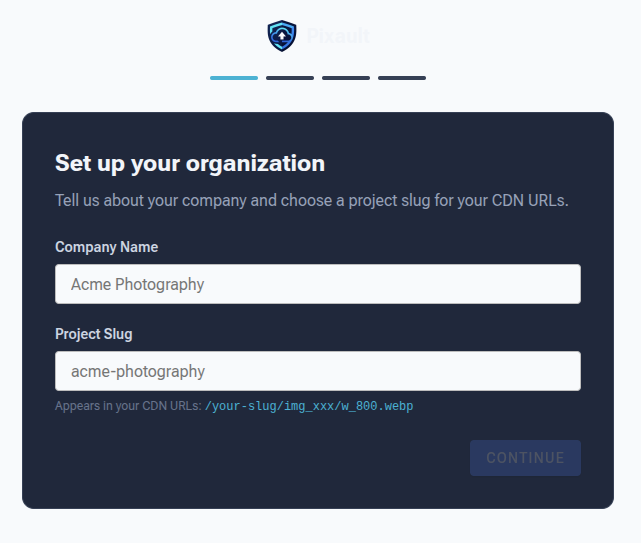
Step 1: Account Details
Enter your organization name and confirm your email address. This creates your Pixault account and your first project.
Step 2: Choose a Plan
Select a billing plan that fits your usage. Each plan includes a bandwidth and storage allowance, with overage pricing if you exceed the limits. Toggle between Monthly and Annual billing — annual plans save approximately two months.
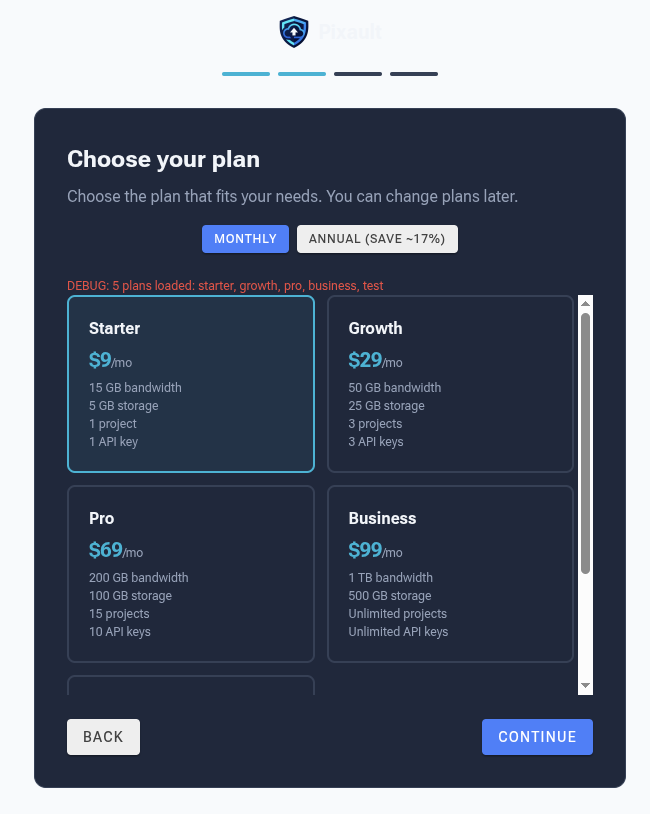
See Billing & Plans for a full comparison of plan features.
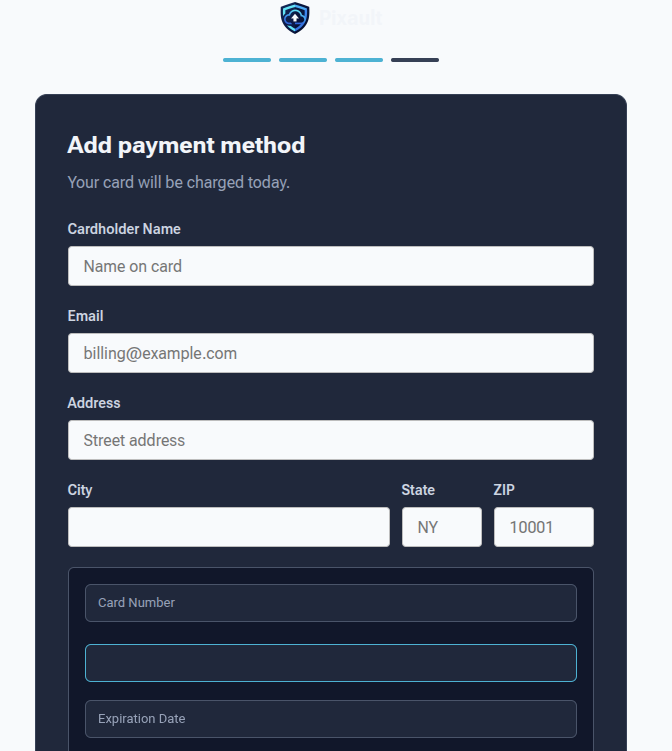
Step 3: Payment
Enter your card details in the secure payment form. Your card number is tokenized before it reaches our servers for PCI-compliant payment processing.
Step 4: Confirmation
Once payment processes successfully, you'll see a confirmation screen with your project slug and API key. Copy your API key — you'll need it to authenticate API requests.
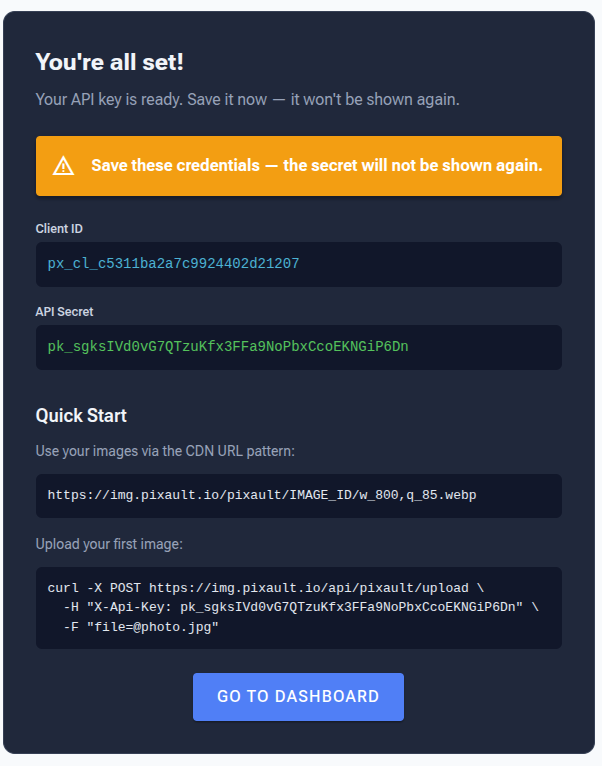
After completing onboarding, you're taken directly to the Image Library.